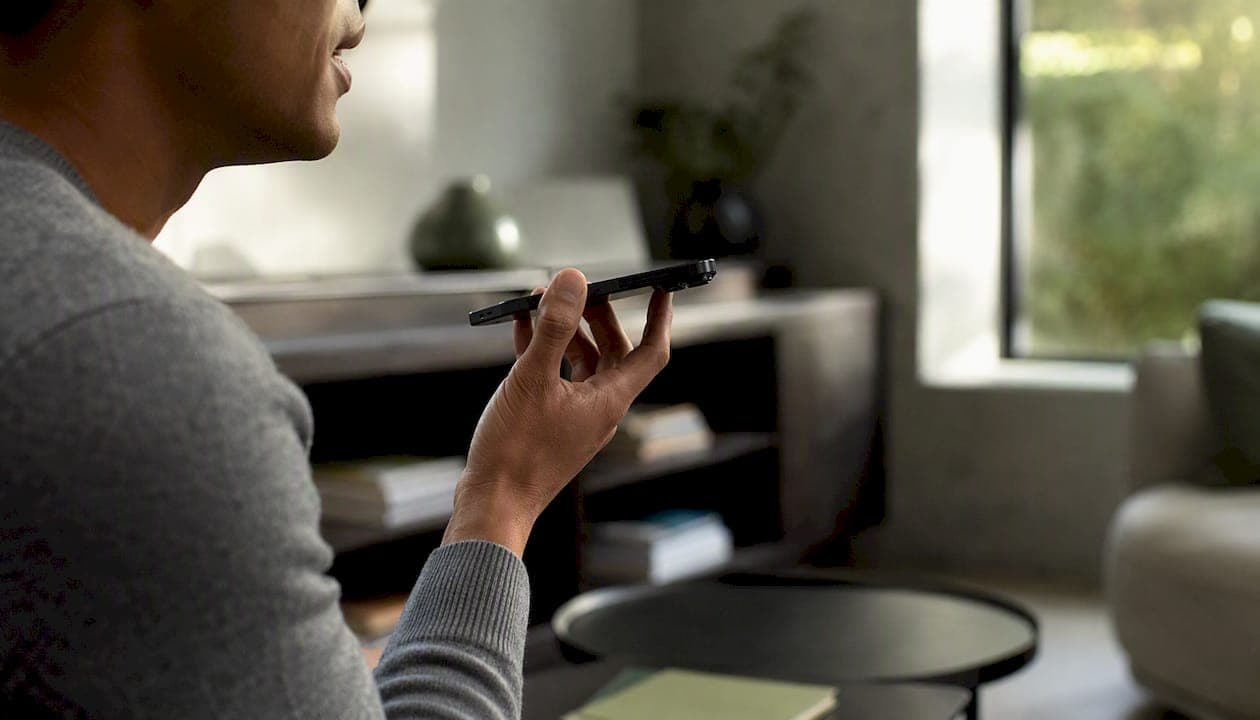
Private, on-device medical dictation on iPhone is practical today for personal health notes. The fastest path: enable Apple's on-device dictation, install Echo Chamber from Obsidian Ridge Labs, and confirm local processing with a quick airplane-mode test. Here is what to do right now:
- Go to Settings > General > Keyboard > Enable Dictation and confirm "Enable Dictation" is on. For Apple Intelligence features, check Settings > Apple Intelligence & Siri and review which tasks are set to on-device.
- Download Echo Chamber from the App Store. It is built for private, on-device transcription of personal notes, including medical voice notes, with no required cloud account.
- Put your iPhone in airplane mode, record a short dictation, and verify the transcript completes. If it does, audio is not leaving your device.
This guide covers personal, private note-taking only. It does not address clinical workflows, HIPAA compliance, or EHR integration.
Key Takeaways
On-device medical dictation on iPhone is practical for personal, private notes when you use verified local tools and confirm audio never leaves the device.
| Point | Details |
|---|---|
| On-device is the privacy baseline | Local transcription eliminates server-side retention risk; cloud sync after the fact can still expose transcripts. |
| Apple Intelligence is on-device first | Apple runs its language model locally by default and routes to PCC only for tasks that exceed device capacity. |
| Verify with airplane mode | Record a dictation with no network connection; a completed transcript confirms local processing. |
| Store transcripts locally | Disable iCloud sync for notes containing medical dictation, or export to an encrypted local file. |
| Echo Chamber is the recommended app | Obsidianridgelabs' Echo Chamber processes on-device, requires no account, and supports iOS 18 app locking. |
Table of Contents
- What "medical dictation on iPhone" means in this guide
- How to choose a private on-device transcription app
- Setting up private on-device dictation on your iPhone
- Echo Chamber keeps your transcripts on your iPhone
- Getting accurate transcripts and storing them safely
- When on-device dictation is not the right fit
- Why on-device privacy is worth the tradeoff
- Echo Chamber: private medical dictation without the cloud dependency
- Sources
What "medical dictation on iPhone" means in this guide
Most search results for medical dictation on iPhone return clinical software built for physicians and hospital systems. This guide uses the phrase differently: on-device private transcription for personal medical notes on an iPhone, with no cloud upload and no clinical workflow requirement.
The technical distinction matters. Cloud-based transcription sends your audio or a derived audio representation to a remote server, where it is processed and often retained. On-device transcription captures audio, runs the speech-to-text model, and produces a transcript entirely within your iPhone. Audio never touches the internet. As voice privacy research notes, this zero-trust architecture removes server-side retention risk, though local transcripts can still be exposed later if you sync or share them carelessly.
Apple's own approach is layered, leveraging advanced cloud-based model options like Amazon Transcribe Medical for scenarios requiring clinical transcription. Apple Dictation can run on-device for standard keyboard dictation. Apple Intelligence runs its on-device language model first and routes requests to Private Cloud Compute (PCC) only when a task exceeds what the device can handle locally. PCC is designed to process requests, then delete personal data without retaining it or making it accessible to Apple staff. For most short personal dictation tasks, the on-device model handles everything.
| Dimension | On-device processing | Cloud processing |
|---|---|---|
| Where audio is processed | Entirely on your iPhone | Remote server |
| Audio leaves the device | No | Yes |
| Retention risk | None (if stored locally) | Depends on provider policy |
| Speed on older devices | Slower | Faster |
| Works offline | Yes | No |
| Apple PCC path | Used only for heavier tasks | Standard path |
How to choose a private on-device transcription app
Before installing any speech-to-text iPhone app for personal medical notes, verify these criteria:
- Explicit on-device statement. The developer's privacy policy or App Store description must state that processing is local. Vague language like "we take privacy seriously" is not a commitment.
- Airplane-mode functionality. The app must transcribe without a network connection. This is the single most reliable test.
- Minimal permissions. A transcription app needs microphone access. It does not need contacts, location, or photo library access.
- Local export options. Look for plain text, Markdown, or encrypted file export to local storage, not mandatory cloud sync.
- No required account. Apps that require account creation before use typically route data through a server.
- Transparency about optional connections. If the app offers any optional cloud feature, the developer should disclose it clearly.
Red flags: a privacy policy that does not mention on-device processing; background network activity visible in Settings during a recording session; permissions requests that have no obvious relationship to transcription; mandatory upload before you can view a transcript.
Pro Tip: After installing any new dictation app, open Settings > Privacy & Security > Apple Intelligence Report. This log shows requests routed off-device by Apple Intelligence features. For a third-party app's own network behavior, go to Settings > Privacy & Security > App Privacy Report to see which domains the app contacted.
Setting up private on-device dictation on your iPhone
iOS settings to configure first
- Settings > Privacy & Security > Microphone — confirm only apps you trust have microphone access.
- Settings > General > Keyboard > Enable Dictation — turn this on for Apple's built-in keyboard dictation, which runs on-device for short inputs.
- Settings > Apple Intelligence & Siri — review which features are active. Apple Intelligence uses an on-device model by default and routes to PCC only for tasks that exceed device capacity.
- Settings > Privacy & Security > Apple Intelligence Report — enable this log. You can export it to review any off-device requests.
Device and iOS version requirements
On-device Apple Intelligence requires a recent iPhone model running the latest iOS version. Standard Apple Dictation works on older devices but may use cloud processing on models predating the A17 Pro chip. Echo Chamber's on-device transcription works on a broader range of devices; check the App Store listing for the current minimum iOS version.
Locking and hiding the app
Apple's iOS 18 introduces locked and hidden apps, letting you require Face ID or a passcode to open any app and hide it from the home screen and search. For an app storing personal medical notes, enable this via long-press on the app icon > Require Face ID. This keeps transcripts private even if someone else handles your phone.
Echo Chamber keeps your transcripts on your iPhone
Echo Chamber is Obsidian Ridge Labs' dedicated on-device transcription app, built specifically for private personal notes, including medical voice notes. It is not a clinical tool and does not offer EHR integration. Its purpose is straightforward: capture your voice, transcribe it locally, and keep the result on your device.
Key privacy features:
- Local processing only. Transcription runs on the device. No audio is uploaded during the core transcription workflow.
- No mandatory account. You do not need to create a profile or sign in to use the app.
- Minimal permissions. Echo Chamber requests microphone access and nothing beyond what transcription requires.
- Local export formats. Transcripts can be exported as plain text or other local file formats, with no forced cloud sync.
- Locked and hidden app support. Compatible with iOS 18's Face ID app lock for an additional access layer.
- Transparency about optional connections. Obsidian Ridge Labs discloses any optional features that involve a network connection, so you know exactly what stays local.
To verify local processing yourself: put the iPhone in airplane mode, record a 30-second dictation, and confirm the transcript appears. Then check Settings > Privacy & Security > App Privacy Report to confirm Echo Chamber made no network requests during that session. For a broader look at verifying on-device behavior across Apple apps, Obsidian Ridge Labs publishes a dedicated verification guide.
Getting accurate transcripts and storing them safely
Accuracy tips for on-device speech recognition
On-device models are capable but work best with clean input. Speak in short, complete phrases rather than long run-on sentences. Pause briefly between thoughts. Hold the iPhone 6–12 inches from your mouth, or use wired earbuds with a built-in mic to reduce ambient noise. A quiet room makes a measurable difference; background TV or music degrades accuracy noticeably on any local model.
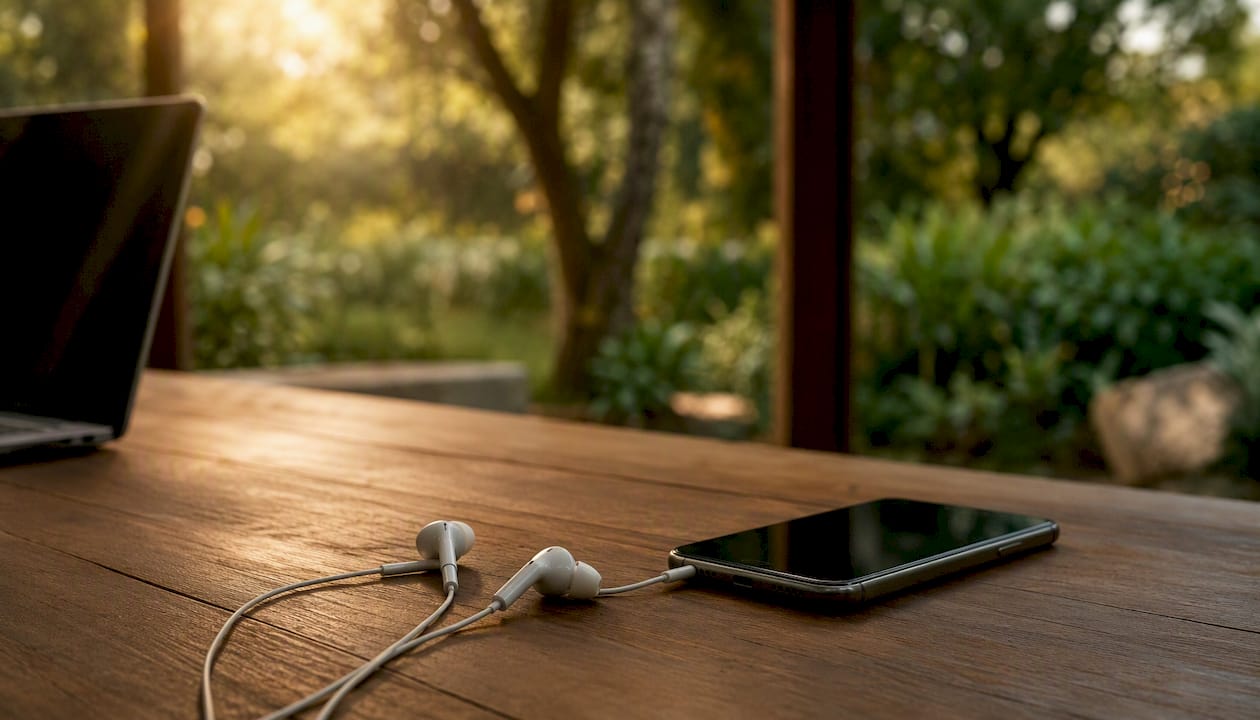
Dictate punctuation explicitly ("period," "new paragraph") if your app supports voice punctuation commands. Apple Dictation and Echo Chamber both respond to these commands.
Secure storage and the iCloud tradeoff
The moment a transcript leaves your iPhone, the privacy guarantee changes. Storing notes in the default Notes app with iCloud sync enabled means your transcript is uploaded to Apple's servers. That is a deliberate tradeoff some users accept; others should not. For maximum local privacy, store transcripts in an encrypted notes app configured for local-only storage, or export to a password-protected file in the Files app with iCloud Drive disabled for that folder.
Independent analysis makes this point directly: local transcripts can still be exposed by downstream syncing or sharing. The transcription step is only part of the data path.
When on-device dictation is not the right fit
On-device transcription for personal notes has real limits. Know them before you rely on it:
- Not for clinical or HIPAA workflows. This guide covers personal notes only. Clinicians who need HIPAA-compliant transcription with EHR integration require dedicated clinical solutions and enterprise agreements. See the on-device HIPAA transcription guide for context on where those lines fall.
- Older devices process more slowly. iPhones predating the A16 Bionic chip handle on-device transcription but may be noticeably slower for longer recordings.
- Multi-speaker diarization is limited. On-device models generally do not separate multiple speakers. If you need labeled speaker turns, cloud-based tools handle this better, at the cost of privacy.
- Language coverage varies. On-device models cover major languages well; less common languages may have lower accuracy or fall back to cloud processing.
- Manual export overhead. Without automatic cloud sync, you manage your own file organization. That is the privacy tradeoff in practice.
- PCC may be invoked. For Apple Intelligence tasks beyond basic dictation, Apple's ~3 billion-parameter on-device model may hand off to PCC. PCC provides strong architectural protections, but it is not the same as purely local processing.
Why on-device privacy is worth the tradeoff
The conventional wisdom treats cloud transcription as the default and local processing as a niche workaround for the unusually cautious. That framing has it backward. For personal medical notes, the question is not "why would you want local processing?" but "why would you accept anything else?"
Medical notes, even informal ones, contain some of the most sensitive personal information a person generates: symptoms, medications, diagnoses, mental health observations. Sending that audio to a third-party server, even one with a credible privacy policy, creates a data record that exists outside your control. Policies change. Companies are acquired. Breaches happen. On-device processing eliminates that exposure at the source.
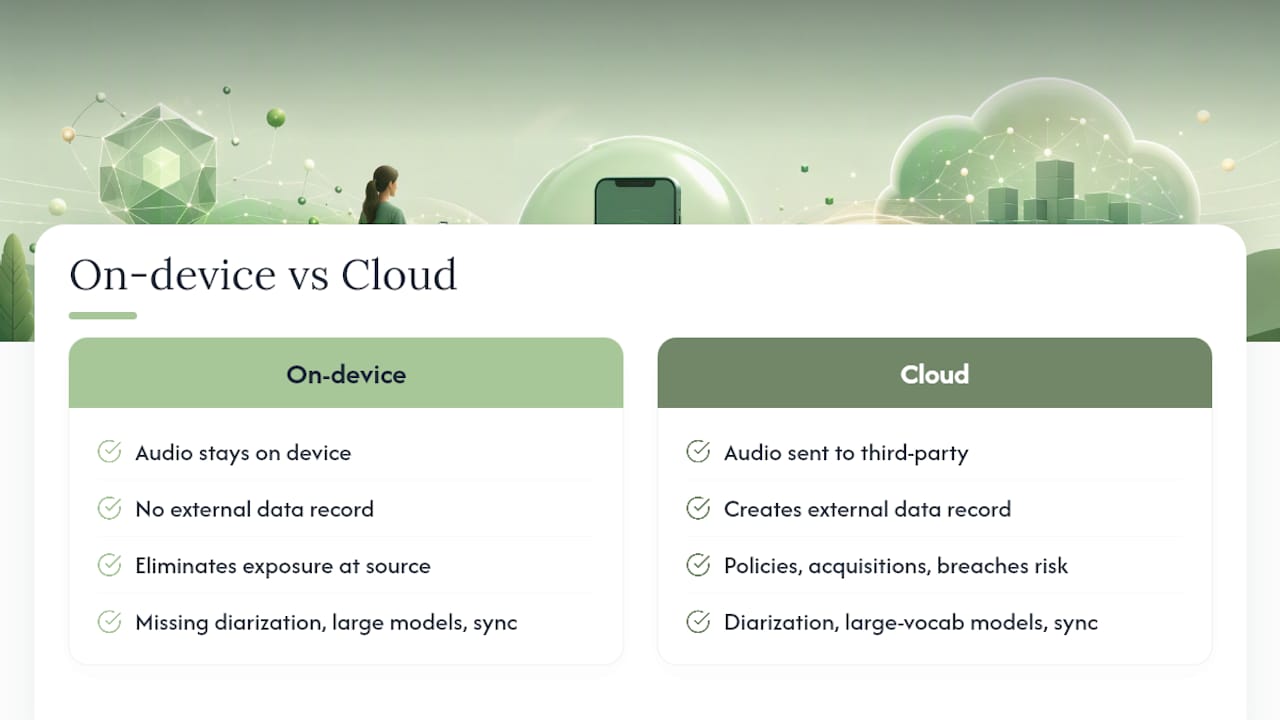
The real tradeoff is not privacy versus convenience. It is privacy versus a specific set of features: multi-speaker diarization, large-vocabulary cloud models, and automatic cross-device sync. For personal note-taking, most people do not need those features. A local model that transcribes accurately in a quiet room, stores the result on your device, and never phones home is not a compromise. It is the right tool for the job.
Echo Chamber: private medical dictation without the cloud dependency

For privacy-conscious iPhone users who want personal medical dictation that never leaves their device, Echo Chamber from Obsidianridgelabs is the direct answer. It transcribes locally, requires no account, requests only the permissions it needs, and supports iOS 18's locked app feature so your notes stay protected. The verification path is straightforward: airplane-mode test, App Privacy Report check, done.
Visit the Echo Chamber product page to review App Store purchase and subscription options, or browse the Obsidianridgelabs privacy verification guide for step-by-step setup instructions. Both are available now.
Sources
- Introducing Apple foundation models - Apple Machine Learning
- Local vs Cloud Transcription: Privacy, Cost, Accuracy