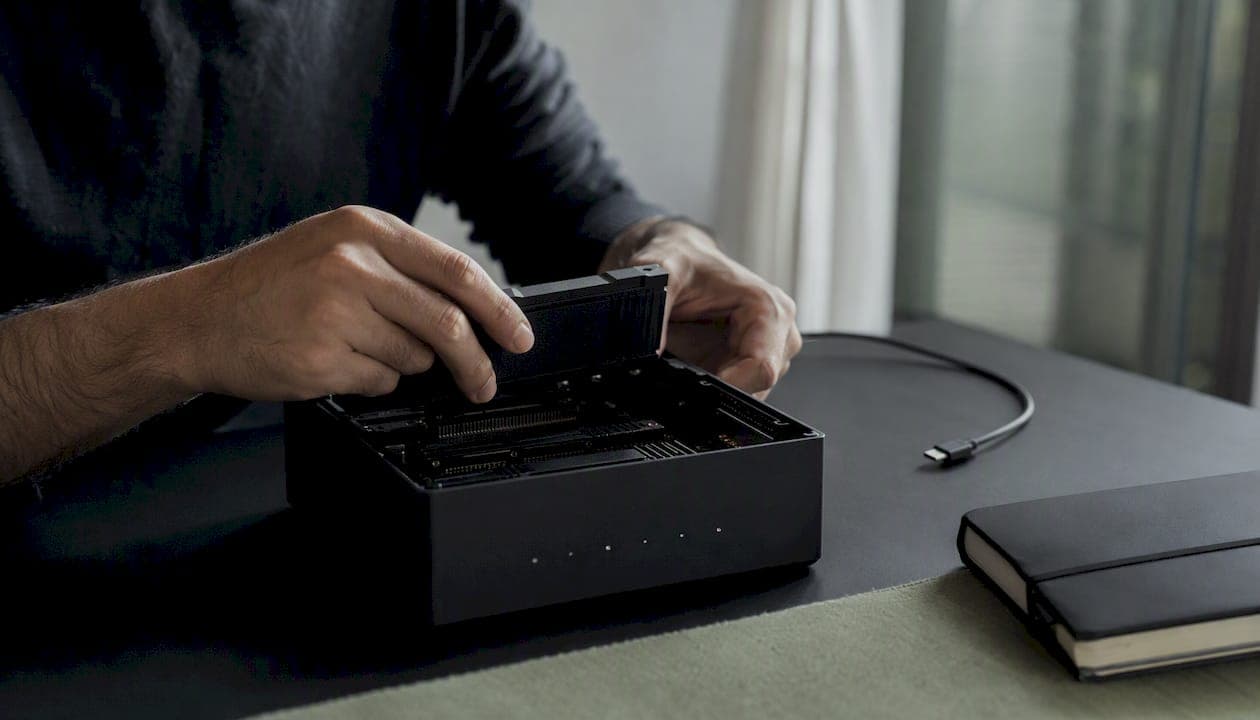
On-device AI runs inference directly on the user's hardware rather than in a remote data center, and it's the right architectural choice in three specific situations: when your feature demands sub-100ms latency, when the input data is sensitive enough that transmission to a third-party server is a liability, or when per-query cloud costs would make a high-volume feature economically unworkable. For everything else — large-context reasoning, tasks requiring up-to-date world knowledge, or models too large for mobile RAM — a cloud or hybrid approach remains the more practical path.
- Choose on-device when latency, privacy, or offline availability are non-negotiable requirements.
- Choose cloud when the task needs a large-context model, real-time knowledge, or compute that exceeds what the device can sustain thermally.
- Choose hybrid when some inputs are sensitive and some tasks are too complex for local inference alone — route by data sensitivity and task complexity.
Key Takeaways
On-device AI is the right default for privacy-sensitive, latency-critical, or high-volume features where local inference capability matches the task complexity.
| Point | Details |
|---|---|
| When to choose on-device | Prefer local inference for latency-sensitive, privacy-sensitive, or high-volume features where per-query cloud costs are prohibitive. |
| Core optimization techniques | Quantization (GPTQ/OmniQuant), pruning, distillation, and compilation are the four techniques that make capable models fit mobile hardware. |
| Hybrid routing is standard | Most production systems route simple or sensitive requests locally and complex or knowledge-dependent requests to the cloud. |
| Platform matters | iOS with Core ML and the Neural Engine provides the best power and thermal profile for Apple-targeted on-device AI workloads. |
| Obsidianridgelabs approach | Obsidianridgelabs builds private on-device AI apps for Apple devices with local-only inference, transparent data paths, and secure enclave integration. |
Table of Contents
- What does "on-device AI" actually mean?
- How does on-device AI work under the hood?
- What are the concrete benefits of running AI locally?
- Where is on-device AI already making a difference?
- What are the real limitations of on-device AI?
- On-device vs. cloud vs. hybrid: how do the architectures compare?
- Which platform and toolchain should you build on?
- A practical developer checklist for building on-device AI
- How Obsidianridgelabs builds privacy-first on-device apps
- What's coming in on-device AI over the next 2–5 years?
- Why local control is the right default for sensitive AI features
- Private on-device AI for Apple users, built without compromise
- Sources
What does "on-device AI" actually mean?
The term gets used loosely, so a precise definition matters. On-device AI refers specifically to running model inference — the prediction step — on the same physical device the user holds or wears, rather than sending data to a server. Training almost never happens on-device; that distinction is worth holding onto.
A few terms that come up constantly in this space:
Inference is the act of passing input through a trained model to get a prediction or output. It's computationally lighter than training and is what runs at runtime on your phone.
NPU (Neural Processing Unit) is a dedicated silicon block optimized for the matrix math that neural networks require. It runs those operations faster and at lower power draw than a general-purpose CPU or GPU. Apple calls its version the Neural Engine; Qualcomm calls its equivalent the Hexagon NPU.
Secure enclave is an isolated processor within the SoC that handles cryptographic operations and sensitive key storage. On Apple devices, it also provides a hardware boundary that prevents other processes from accessing protected data, making it a meaningful trust signal for privacy-sensitive AI features.
Edge AI vs. on-device AI is a distinction worth clarifying. Edge AI is the broader category: any AI inference that runs outside a centralized cloud, including gateway servers, factory equipment, and base stations. On-device AI is a specific subset — the model runs on the user's personal device, whether a phone, laptop, or wearable. As rework.com notes, edge AI covers anything outside the cloud; on-device AI specifically means the user's own hardware is the compute authority.
| Approach | Where compute runs | Typical use cases |
|---|---|---|
| On-device AI | User's phone, laptop, or wearable | Transcription, photo editing, local assistants, health monitoring |
| Edge AI (broader) | Gateway servers, embedded systems, factory hardware | Industrial inspection, smart cameras, base-station inference |
| Cloud AI | Remote data center | Large-language model queries, training, real-time knowledge retrieval |
The practical implication: when someone says "on-device AI," they mean the model lives and runs on your device. No network hop, no third-party server in the data path.
How does on-device AI work under the hood?
Understanding the full stack — hardware, runtimes, and the model optimization pipeline — is what separates a developer who can ship an on-device feature from one who hits a wall at the profiling stage.
Hardware: what's doing the work
Modern mobile SoCs (system-on-chip) pack several compute units relevant to AI inference:
- NPU / Neural Engine / Hexagon DSP: Purpose-built for matrix multiply-accumulate operations. NPUs run neural networks more efficiently in both speed and battery draw than CPU or GPU fallbacks. Apple's Neural Engine and Qualcomm's Hexagon NPU are the two most prominent examples in consumer devices.
- GPU: Handles parallelizable workloads well, but draws more power than an NPU for sustained inference. Useful as a fallback when NPU operator support is incomplete.
- CPU: The universal fallback. Slower for matrix math, but supports any operator set. Necessary for ops the NPU doesn't accelerate.
- Secure enclave: Handles key storage and cryptographic operations. For privacy-sensitive features, keeping model inputs and outputs within the enclave's trust boundary is an architectural goal, not just a nice-to-have.
Software runtimes and frameworks
The runtime sits between your model and the hardware. It handles operator dispatch, memory management, and hardware acceleration. The main options:
- Core ML (Apple): The native runtime for iOS, macOS, watchOS, and visionOS. Automatically dispatches to the Neural Engine, GPU, or CPU depending on operator support and device capability. Model conversion uses the
coremltoolsPython library. For Apple-targeted apps, Core ML is the default choice because it provides the best power and thermal profile for ML workloads on Apple silicon. - TensorFlow Lite (Google): A lightweight runtime for Android and embedded devices. Supports delegate-based hardware acceleration (GPU delegate, NNAPI delegate, Hexagon delegate for Qualcomm chips). Wide operator coverage and a large ecosystem of pre-optimized models.
- ONNX Runtime (Microsoft): An open-standard runtime that accepts models in the ONNX format, which most major training frameworks can export to. Supports execution providers for NPU acceleration on multiple platforms, making it useful for cross-platform deployments.
- ExecuTorch (Meta): Meta's on-device inference stack, designed to run PyTorch models natively on mobile and edge hardware. Particularly relevant for deploying models from the Llama 2 family on-device, since Llama 2 is a PyTorch-native architecture.
Model optimization: the pipeline from cloud to device
A model that performs well in the cloud rarely fits on a phone without modification. Quantization, pruning, distillation, and compilation are the four core techniques for closing that gap.
- Quantization: Reduce numerical precision from 32-bit float to 8-bit integer (INT8) or 4-bit (INT4). GPTQ and OmniQuant are practical quantization methods for compressing LLMs to fit within mobile RAM limits, with minimal accuracy loss on well-defined tasks.
- Pruning: Remove weights that contribute little to model output. Structured pruning (removing entire channels or layers) is more hardware-friendly than unstructured pruning because it produces dense tensors that NPUs can accelerate.
- Knowledge distillation: Train a smaller "student" model to approximate the outputs of a larger "teacher" model. The student inherits the teacher's learned behavior at a fraction of the parameter count.
- Compilation and operator fusion: Convert the optimized model into a hardware-specific binary. Fusing adjacent operators (e.g., Conv + BatchNorm + ReLU into a single kernel) reduces memory bandwidth and dispatch overhead. Core ML's model compilation and TF Lite's flatbuffer format both apply this step.
- Sparse formats and operator matching: Align the model's operator set with what the target NPU accelerates natively. An operator the NPU doesn't support falls back to CPU, which can negate the latency gains from the rest of the optimization work.
The runtime flow for a typical on-device feature looks like this: raw input (sensor data, audio, photo) → preprocessing → optimized model → runtime dispatch → NPU/GPU/CPU inference → postprocessing → output to UI.
Pro Tip: *Profile on the actual target device, not a simulator. Simulators don't replicate NPU dispatch paths, thermal throttling, or memory pressure.
What are the concrete benefits of running AI locally?
The case for on-device inference isn't abstract. Each benefit maps directly to a product decision or a user experience outcome.
Privacy and data sovereignty
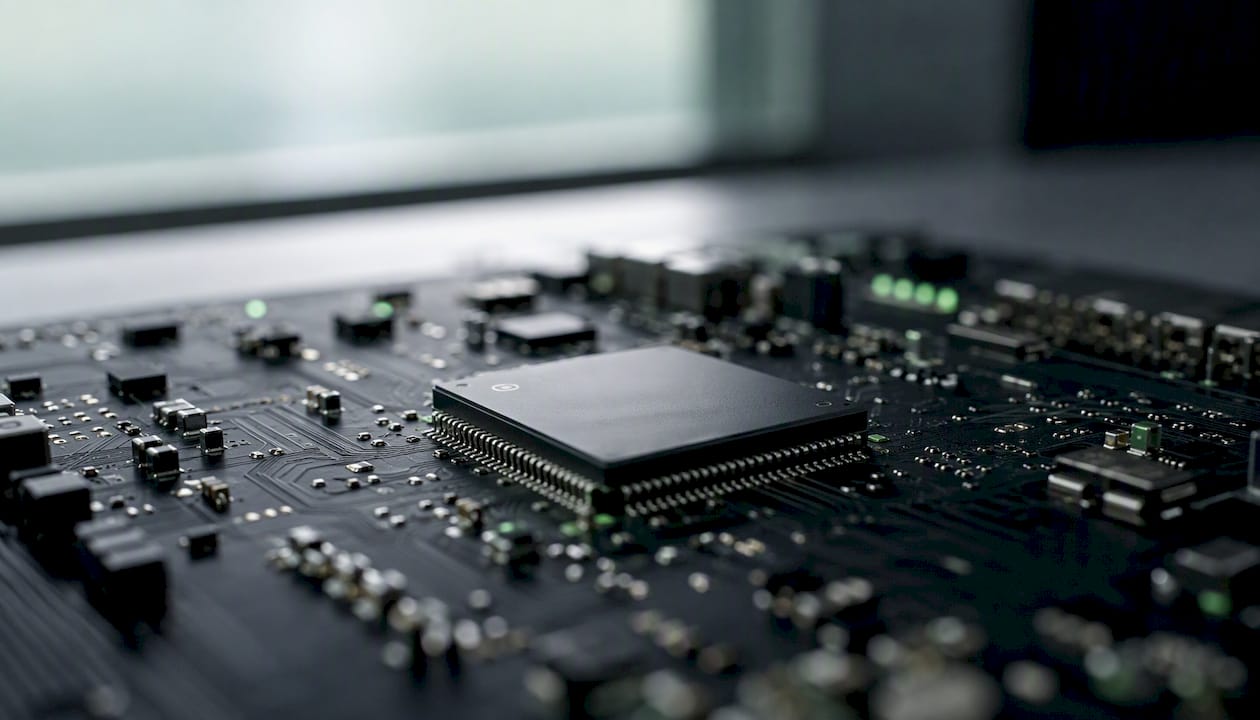
Local inference means inputs never have to be transmitted to a third-party server. For a voice memo, a financial transaction, or a personal journal entry, that's a meaningful difference. The user's data stays on their device, subject only to the OS's security model and the app's own data handling. Secure enclaves reinforce this by providing a hardware boundary for the most sensitive operations. Experts increasingly view on-device AI as shifting mobile computing toward data sovereignty — the device becomes the compute authority for personal workloads, as Google's on-device processing overview describes.
Latency and user experience
Eliminating the network round trip is the most direct latency win. A cloud inference call involves DNS resolution, TLS handshake, server queue time, inference, and response transmission. On-device, the round trip is zero. For features like live transcription, on-screen text summarization, or real-time camera effects, that difference is perceptible. Users notice when a transcription lags half a second behind speech; they don't notice when it doesn't.

Offline capability
On-device inference supports features in airplane mode or areas with no signal. For consumer apps, that means a journaling assistant or finance tracker works on a flight. For enterprise field tools, it means an inspection app functions in a factory basement or a remote site. Offline capability is often treated as a secondary benefit, but for certain verticals it's the primary reason to choose on-device at all.
Cost structure
Cloud inference charges per query. For a feature that runs thousands of times per day per user — a keyboard suggestion model, a photo auto-tag, a real-time transcription — those per-query costs accumulate quickly. On-device inference has a fixed cost: the engineering investment to optimize and ship the model. At sufficient query volume, the economics favor local inference decisively.
Personalization without exposure
A model running locally can adapt to a user's patterns — vocabulary, preferences, behavioral signals — without that data ever leaving the device. This is the foundation for genuinely personalized AI features that don't require a privacy tradeoff. Offline AI apps built on this principle can learn from user behavior over time while keeping all training signals local.
Where is on-device AI already making a difference?
The use cases span from consumer smartphones to safety-critical embedded systems. What they share is a requirement for low latency, privacy, or reliable offline operation.
- Mobile consumer apps: Photo editing (computational photography, background removal, style transfer), on-device assistants, real-time translation, and keyboard prediction are all running locally on current flagship devices. Stable Diffusion, the open-weight image generation model, has been adapted to run on-device on Apple Silicon Macs and, in compressed form, on recent iPhones — demonstrating that generative image inference is no longer exclusively a cloud workload.
- On-device language models: Llama 2, Meta's open-weight LLM family, can be quantized to 4-bit precision and run locally using runtimes like ExecuTorch or llama.cpp. At 7B parameters with INT4 quantization, it fits within the memory constraints of recent high-end phones. The capability is narrow compared to a full cloud LLM, but sufficient for summarization, local Q&A, and drafting assistance.
- Wearables and health monitoring: Smartwatches perform real-time biosignal analysis — heart rate variability, blood oxygen estimation, sleep stage classification — entirely on-device. The data never leaves the watch unless the user explicitly syncs it. This is privacy-by-architecture, not privacy-by-policy.
- Automotive and embedded ADAS: Object detection, lane-keeping assistance, drowsiness detection, and pedestrian recognition all run on dedicated inference hardware within the vehicle. Cloud latency is incompatible with safety-critical response times; local inference is the only viable path.
- Smart home and IoT: Local person detection on security cameras, voice wake-word detection, and automation triggers increasingly run on the device itself rather than routing audio or video to a cloud service. Qualcomm's Snapdragon platforms have been a significant enabler here, providing NPU-accelerated inference on always-on IoT hardware.
- Healthcare and enterprise field tools: Clinical note summarization for a physician's app handles sensitive patient data that cannot leave the device under HIPAA constraints. Offline enterprise inspection tools for field technicians work in facilities where network connectivity is restricted or unreliable. Both cases illustrate why on-device AI is a compliance and operational requirement, not just a performance preference.
What are the real limitations of on-device AI?
Shipping on-device AI means accepting a set of constraints that cloud inference doesn't impose. Understanding them early prevents architectural mistakes that are expensive to reverse.
- Model capability ceiling: Large-context reasoning, tasks requiring up-to-date world knowledge, and models above roughly 10–13B parameters at current hardware generations remain cloud-first. A 70B parameter model compressed to INT4 still exceeds the RAM of most phones. On-device AI excels at narrow, well-defined tasks; it struggles with open-ended reasoning that benefits from a large context window.
- Power and thermal limits: Sustained inference draws significant power and generates heat. A phone running continuous on-device inference will throttle its NPU after several minutes to protect thermal limits, which degrades latency in a way that's hard to predict from a cold-start benchmark. Battery impact is real for always-on features like continuous transcription or real-time camera processing.
- Update and distribution complexity: Shipping a model update means going through the app store review process, which adds latency between a model improvement and user adoption. Large model files also increase app bundle size and download time. Strategies like delta updates, model downloading post-install, and cryptographic verification of model files help, but they add engineering overhead.
- Security and attack surface: On-device models can be extracted from the app bundle and analyzed or fine-tuned by adversaries. Side-channel attacks — inferring sensitive inputs from timing or power consumption patterns — are a real concern for security-sensitive applications. Model files should be encrypted at rest, and the secure enclave should be used for any cryptographic operations tied to model verification. Preventing data leakage in regulated workflows requires explicit architectural choices, not just policy statements.
- Engineering mitigations: Offload thermally intensive tasks to burst windows rather than sustained inference. Use hybrid routing to send complex requests to the cloud when the device is under thermal pressure. Model splitting — running early layers on-device and later layers in the cloud — is an emerging pattern for tasks that exceed local capability but still benefit from partial local processing. On-device caching of inference results reduces redundant computation for repeated inputs.
On-device vs. cloud vs. hybrid: how do the architectures compare?
The right architecture depends on which dimensions matter most for a specific feature. The table below covers the six dimensions that most frequently drive the decision.
| Dimension | On-device | Cloud | Hybrid |
|---|---|---|---|
| Latency | Near-zero (no network hop) | 100ms–2s+ depending on network | Low for local tasks, higher for cloud-routed tasks |
| Privacy (data residency) | Data stays on device | Data transmitted to server | Sensitive data local; non-sensitive may be transmitted |
| Offline capability | Full | None without connectivity | Partial (local tasks work offline) |
| Model size / capability | Limited by device RAM (typically under 10B params today) | Effectively unlimited | Local handles small models; cloud handles large |
| Cost model | Fixed engineering cost; zero per-query | Per-query API or compute cost | Mixed; local queries are free, cloud queries are billed |
| Power / thermal impact | Significant for sustained inference | None on device | Reduced vs. full on-device if heavy tasks route to cloud |
Three practical architecture patterns
Local-first: All inference runs on-device. Cloud is used only for model updates and optional sync. Best for privacy-sensitive consumer apps (personal finance, health, journaling) where the input data should never leave the device and the task complexity fits within local model capability.
Cloud-first with local fallback: Primary inference runs in the cloud; the device falls back to a smaller local model when offline or when latency spikes. Appropriate for features where model quality is the primary concern and privacy requirements are moderate.
Cascade / hybrid routing: Requests are classified by complexity and data sensitivity before dispatch. Simple, privacy-sensitive, or latency-critical requests go local; complex or knowledge-dependent requests route to the cloud. Most production systems use both local and cloud inference, routing simple requests locally and complex ones to the cloud. The routing logic itself should run on-device to avoid a network call just to decide where to send the actual request.
Setting routing thresholds requires profiling: measure the latency distribution for local inference on your target device tier, set a complexity classifier that runs in under 5ms, and define data-sensitivity labels at the feature level before writing routing code.
Which platform and toolchain should you build on?
Platform choice shapes every subsequent decision in the on-device AI stack. iOS and Android offer meaningfully different tradeoffs.
iOS and Apple Silicon
Apple's Neural Engine provides the best power-to-performance ratio for ML workloads on Apple hardware. Core ML is the native integration path: models convert from PyTorch or TensorFlow using coremltools, and the runtime handles dispatch to the Neural Engine, GPU, or CPU automatically. The secure enclave provides hardware-backed key storage for privacy-sensitive features. For Apple-targeted apps, Core ML is the default choice — not because alternatives don't work, but because it's co-designed with the hardware and OS in a way that generic runtimes aren't.
Qualcomm's Snapdragon platforms dominate Android flagships and power a large share of IoT and automotive hardware. The Hexagon NPU supports TensorFlow Lite via the Hexagon delegate and ONNX Runtime via the QNN execution provider. Qualcomm's AI Hub provides pre-optimized model variants for Snapdragon devices, reducing the conversion and profiling work for common architectures. Samsung's Exynos chips use Exynos AI Studio for model conversion and optimization, targeting their own NPU architecture.
Framework selection checklist
- Core ML: Use for any Apple-platform deployment. Best power profile, tightest OS integration, automatic Neural Engine dispatch.
- TensorFlow Lite: Use for Android or cross-platform deployments where the model is already in TF/Keras. Delegate system supports Hexagon (Qualcomm), GPU, and NNAPI acceleration.
- ONNX Runtime: Use when the model originates in PyTorch or another ONNX-compatible framework and the deployment target spans multiple platforms. Check execution provider support for the specific NPU before committing.
- ExecuTorch: Use for deploying PyTorch-native models (including Llama 2 variants) on Apple or Android hardware. Still maturing but the right path for Meta's model family.
Compatibility notes to verify before integration:
- Confirm that every operator in your model has an NPU-accelerated implementation in the target runtime. Unsupported ops fall back to CPU silently, which can destroy your latency budget without an obvious error.
- Quantized ops (INT8, INT4) have different operator support matrices than float32 ops. Test the quantized model on the target device, not just the float32 baseline.
- Runtime version pinning matters: Core ML model packages compiled for a newer OS version may not run on older devices. Define your minimum deployment target before conversion.
A practical developer checklist for building on-device AI
The sequence below reflects the order that minimizes wasted work. Skipping steps — particularly profiling before integration — is the most common source of late-stage performance failures.
- Define the task and select a model family. Narrow tasks (classification, transcription, summarization of short inputs) are better candidates than open-ended generation. Choose a model architecture with a known track record of successful mobile deployment (Whisper for transcription, MobileNet variants for vision, quantized Llama 2 for text).
- Establish a cloud baseline. Run the full-size model in the cloud and measure accuracy, latency, and output quality. This is your reference point for evaluating how much the optimization steps cost in quality.
- Optimize: quantize, prune, distill. Apply quantization first (INT8 is the standard starting point; INT4 for aggressive size reduction using GPTQ or OmniQuant). Add structured pruning if the model is still too large. Use distillation if accuracy loss from quantization alone is unacceptable.
- Profile on the target device. Measure latency, memory peak, and thermal behavior on the lowest-spec device in your support matrix. Use Xcode's Core ML Performance Report for Apple targets; Android GPU Inspector or Qualcomm's Snapdragon Profiler for Android. Latency on a simulator is not a reliable predictor of device performance.
- Integrate with the runtime. Wire the optimized model into Core ML, TF Lite, or ONNX Runtime. Implement fallback logic for devices where the NPU delegate fails or the model exceeds available RAM.
- Security and privacy hardening. Encrypt model files at rest. Use the secure enclave for any keys tied to model verification. Minimize inference logs — log only what's necessary for crash diagnostics, never raw inputs. Apply local differential privacy or anonymization patterns where inference outputs could re-identify users.
- Test with realistic inputs. Synthetic test sets miss the distribution of real user inputs. Collect a representative sample (with consent) or use augmentation to approximate real-world variance. Test edge cases: very short inputs, noisy audio, low-light images.
- Set up A/B fallback to cloud. For features where quality matters more than privacy, implement a fallback that routes to the cloud when local inference confidence is below a threshold. Measure the fallback rate in production to understand how often local inference is insufficient.
- Monitor without compromising privacy. Aggregate telemetry (latency distributions, fallback rates, crash rates) is compatible with privacy. Per-user inference logs are not. Define what you measure before you ship, not after.
Pro Tip: Set a memory budget before you start optimization, not after. On iOS, exceeding the per-process memory limit causes a silent app termination with no crash log. Profile memory peak with Xcode's Memory Graph Debugger on the minimum-spec device in your support matrix before any other optimization work.
How Obsidianridgelabs builds privacy-first on-device apps
The architecture decisions behind a privacy-first on-device app aren't theoretical. Obsidianridgelabs builds a suite of AI-powered apps for Apple devices — transcription, finance management, personal journaling, strength coaching, and more — with a consistent architectural constraint: all core inference runs locally, and no sensitive input is transmitted to a remote server without explicit user consent.
The problem this solves is concrete. A transcription app that sends audio to a cloud API exposes voice recordings to a third-party server, its employees, its security posture, and its data retention policies. A local transcription app using an on-device model like a quantized Whisper variant has none of those exposure points. The audio never leaves the device.
The architecture choices that follow from that constraint:
- Local-only inference for all sensitive inputs. Voice memos, financial entries, and journal text are processed entirely on-device using Core ML and the Apple Neural Engine.
- Optional network features are disclosed explicitly. Any feature that involves a network connection — sync, backup, optional cloud enhancement — is labeled and requires affirmative user action. The default state is local-only.
- Transparent data path. Users can verify that processing is local by checking network activity during inference. The privacy verification guide for Apple devices walks through exactly how to confirm no data is transmitted during a session.
- Secure enclave for sensitive key operations. Cryptographic keys tied to encrypted local storage use the secure enclave, not software key storage.
Pro Tip: Surface proof of local processing directly in the UI. A small indicator showing "Processing locally" during inference — backed by a network-activity log users can inspect — builds more trust than any privacy policy. Users who can verify the claim are users who stay.
What's coming in on-device AI over the next 2–5 years?
The trajectory is clear even if the exact timeline isn't. Several converging developments will expand what's feasible on-device.
- Larger on-device LLMs. Models in the 1–10B parameter range are already running on flagship phones at INT4 precision. As NPU performance improves and memory bandwidth increases, the practical ceiling will rise. The first capabilities to migrate from cloud to device will be multimodal image and audio inference, followed by longer-context text features as memory constraints ease.
- Tighter model and hardware co-design. The pattern Google demonstrated with Gemini Nano on Pixel — designing a model specifically for a target SoC rather than compressing a general-purpose model — will become standard practice. Vendor toolchains from Qualcomm, Apple, and Samsung are converging on supporting this co-design workflow, as Samsung's NPU and Exynos AI Studio work illustrates.
- Better compiler and tooling maturity. Current NPU compilers require significant manual operator matching and fallback handling. Over the next few years, compiler toolchains will automate more of this, reducing the gap between a model that works in the cloud and one that runs efficiently on-device.
- Federated and private update mechanisms. Shipping model updates through app stores is slow and coarse. Federated learning and on-device fine-tuning with differential privacy will allow models to improve from user behavior without centralizing that data. This is the mechanism that makes personalization and model improvement compatible with a local-only data path.
- Signals to watch: NPU TOPS (tera-operations per second) ratings in annual SoC announcements, the operator coverage roadmaps for Core ML and TF Lite, and the maturity of on-device fine-tuning APIs in iOS and Android. When those three converge, the capability gap between cloud and device will narrow substantially for a wide class of tasks.
Why local control is the right default for sensitive AI features
The conventional wisdom in AI product development has been to default to cloud inference and add privacy controls as a compliance layer afterward. That framing gets the architecture backward. Privacy controls bolted onto a cloud-first system are always incomplete — there's a server somewhere that received the data, a log that was written, a retention policy that may or may not be enforced.
Local inference inverts the default. The data never leaves the device unless the user explicitly chooses to send it. That's not a policy claim; it's an architectural fact. And architectural facts are more durable than policy commitments, which can change with a terms-of-service update.
The product implication is significant. Users who understand that their voice memos, financial data, and personal notes are processed locally — and who can verify that claim — develop a different relationship with the app than users who are simply told "we take privacy seriously." Trust built on verifiable architecture is more durable than trust built on brand promises. That's the core reason Obsidianridgelabs builds the way it does, and it's why the private AI app guides on the site emphasize verification, not just policy.
Private on-device AI for Apple users, built without compromise
Every app Obsidianridgelabs builds starts from the same constraint: sensitive data stays on the device, full stop. That means private transcription that never sends your audio to a server, finance tracking that keeps your transactions local, and journaling that processes your entries on your iPhone or Mac using Core ML and the Neural Engine.

The difference from cloud-backed alternatives isn't just architectural. It's practical: no subscription to a third-party AI API, no exposure to that provider's data retention policies, and no dependency on a network connection for core features. The apps are available through the Apple App Store as one-time purchases or subscriptions, and the data path is transparent by design. If you want AI features that work without sending your personal data anywhere, explore the full suite at Obsidianridgelabs.
Sources
- What is on-device processing? A Google engineer explains
- What is On-Device AI?
- On-Device AI: Powering the Future of Computing | Coursera
- What Is On-Device AI and How Does It Work? | MakeUseOf